
As a business grows, managing financial records, inventory, sales, purchasing, employees, and daily operations becomes increasingly complex.
At this stage, business owners often face an important question:
Do we need accounting software, or should we implement a complete ERP system?
The two solutions can appear similar because both may include sales, purchasing, inventory, invoicing, and financial reports. However, their primary purpose and scope are different.
In this guide, we explain the difference between accounting software and ERP systems and help you understand which type of solution may better fit your organization.
What Is Accounting Software?
Accounting software is primarily designed to manage the financial activities of a business.
It helps organizations record income and expenses, manage accounts, issue invoices, track customers and suppliers, record payments, and generate financial reports.
Modern accounting systems may also include sales, purchasing, inventory, point-of-sale, branch management, and other operational features.
However, their core purpose remains financial and accounting management.
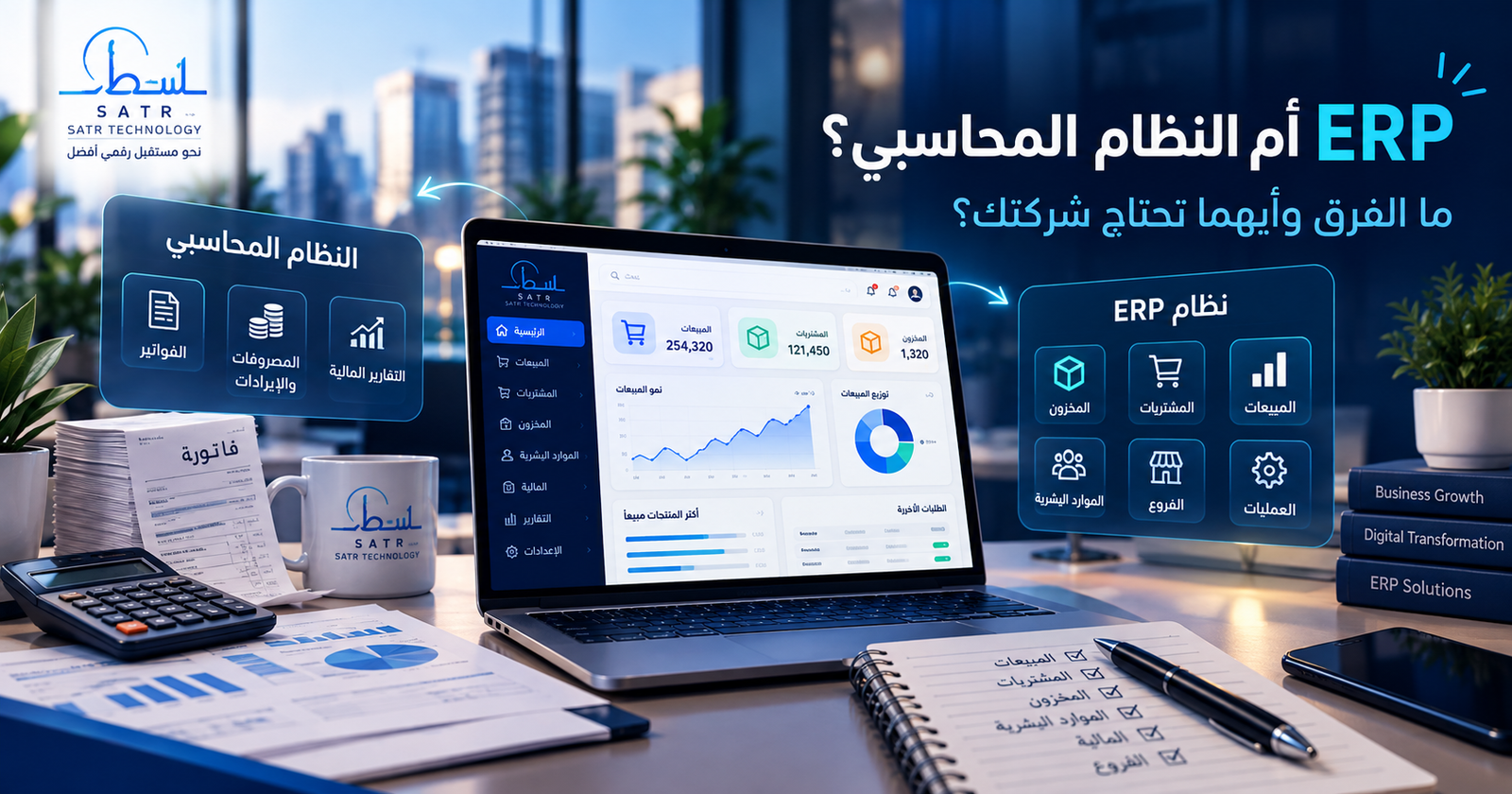
A typical accounting system may include a chart of accounts, journal entries, sales and purchases, customers and suppliers, expenses and revenues, inventory, cash and bank accounts, invoices, payments, and financial reporting.
What Is an ERP System?
ERP stands for Enterprise Resource Planning.
An ERP system provides a broader platform designed to connect multiple departments and business processes within one centralized system.
An ERP solution may include modules for accounting and finance, sales, purchasing, inventory and warehouses, human resources, payroll, customer management, projects, assets, branches, operations, and management reporting.
Instead of using separate applications for different departments, ERP allows information to flow between connected modules.
For example, when a sale is completed, the ERP system may automatically update inventory, record the financial transaction, update the customer's balance, and reflect the transaction in management reports.
ERP vs Accounting Software
The difference is not simply the number of features.
Some advanced accounting systems include inventory, purchasing, sales, and other operational tools.
The key difference is the scope of the system and the level of integration between business processes.
AreaAccounting SoftwareERP System
Primary purpose | Financial and accounting management | Integrated business management
Accounting | Core function | One module within the system
Sales | Often available | Integrated with other departments
Purchasing | Often available | Connected to inventory, finance, and suppliers
Inventory | May be available | Usually fully integrated
Human resources | Usually limited or unavailable | Can be included
Project management | Limited or unavailable | Can be integrated
Multiple branches | Depends on the system | Common ERP capability
Permissions | Usually basic to moderate | Advanced role-based permissions
Department integration | Limited | One of the main ERP objectives
Scalability | Suitable for financial operations | Designed for broader organizational growth
A Simple Example
Imagine a business with a sales department, warehouse, purchasing team, accounting department, and employees.
With accounting software, sales transactions may be recorded in the accounting system while warehouse or HR processes are handled separately.
Depending on the software, some of these processes may already be connected.
In a properly implemented ERP system, however, these activities can become part of one connected workflow.
When a sales invoice is issued, inventory can be reduced automatically, the customer's balance updated, revenue recorded, and the transaction reflected in management reports.
This level of integration is one of the main benefits of ERP.
When Is Accounting Software Enough?
Accounting software may be the right choice when your main objective is to manage financial records, invoices, sales, purchases, customers, suppliers, and inventory.
A small business with a limited number of employees, locations, and operational processes may gain everything it needs from a strong accounting solution without implementing a large ERP platform.
This can reduce complexity and implementation costs.
The goal should not be to choose the largest system available.
The goal is to implement the system that supports the processes your business actually uses.
When Does a Business Need ERP?
ERP becomes more valuable when business operations start becoming difficult to manage through separate applications or spreadsheets.
A company may consider ERP when it operates multiple branches or warehouses, has several departments that need to share data, relies on separate systems for accounting, inventory, HR, and sales, or needs centralized real-time reporting.
Other warning signs include duplicate data entry, frequent errors caused by manual transfers, conflicting information between departments, and difficulty understanding the current status of inventory, orders, accounts, or operations.
Does Every Large Company Need ERP?
Not necessarily.
Company size alone does not determine whether ERP is required.
A larger organization may have relatively simple processes, while a smaller business may operate several branches, warehouses, departments, and workflows that require significant integration.
The decision should therefore be based on operational complexity rather than employee count alone.
Does ERP Include Accounting?
Yes.
Accounting and finance are typically among the most important ERP modules.
The key difference is that financial information becomes connected to the rest of the organization's operations.
A purchase may be connected to the supplier, warehouse, inventory, accounts payable, and payment records.
A sale may connect the customer, inventory, invoice, accounting records, and management reporting.
This gives management a more complete view of the organization.
Can a Business Start With Accounting Software and Move to ERP Later?
Yes.
This is a practical approach for many businesses.
A company may begin with accounting software that meets its current needs and later require HR, project management, advanced warehouse management, approval workflows, branch management, or other ERP capabilities.
The important consideration is future scalability.
Choosing systems with good data export, integration capabilities, and structured databases can make future migration significantly easier.
Ready-Made Software or a Custom System?
After choosing between accounting software and ERP, another question appears:
Should you use an off-the-shelf system or develop a custom solution?
Ready-made software works well when your business processes closely match standard workflows supported by the product.
It can usually be deployed faster and may have a lower initial cost.
Custom software is more suitable when a company has unique workflows, specialized approval processes, unusual reports, integration requirements, or operational rules that standard systems cannot support efficiently.
Custom development, however, should begin with proper business analysis rather than simply converting paper forms into software screens.
What Should You Evaluate Before Choosing a System?
Before selecting or developing a system, start by identifying the business problems you need to solve.
Understand how sales are processed, how purchasing works, how inventory moves between warehouses, who approves transactions, which employees can access financial information, and which reports management needs.
You should also evaluate usability, user permissions, data security, backups, scalability, legacy data migration, third-party integrations, technical support, and future customization requirements.
What Happens to Data From the Old System?
Existing data is one of the most important parts of any system migration.
A business may have years of customer, supplier, sales, purchasing, inventory, and financial records.
A proper data migration process usually includes reviewing the existing data, cleaning errors and duplicates, mapping fields between the old and new systems, importing the information, and validating balances and records afterward.
Moving to a new system does not necessarily mean starting from zero.
Which Is Better: ERP or Accounting Software?
There is no single solution that is better for every organization.
The right system is the one that matches your current operational requirements while supporting future growth.
If your main requirements involve accounting, sales, purchasing, invoicing, and inventory, a strong accounting system may be sufficient.
If your organization has several interconnected departments, branches, warehouses, complex workflows, and centralized reporting requirements, ERP may be more appropriate.
The biggest risk is not choosing a smaller or larger system.
It is implementing a system that does not match the way your organization actually works.
Start With Business Analysis
At Satr Technology, we believe a successful business system begins with understanding the organization before development starts.
The company's processes, users, permissions, departments, documents, sales and purchasing cycles, inventory movements, reporting requirements, and external integrations should be analyzed first.
Once these requirements are clear, the appropriate accounting or ERP solution can be designed around the actual business workflow.
If your organization currently relies on spreadsheets or several disconnected systems, or you are unsure whether accounting software or ERP is the right choice, analyzing your processes is the best first step.
Frequently Asked Questions
Is ERP the same as accounting software?
No. Accounting software primarily focuses on financial management, while ERP connects finance with other areas such as sales, purchasing, inventory, HR, and operations.
Do small businesses need ERP?
Some small businesses may benefit from ERP if their operations are complex or distributed across several locations. Others may be better served by a focused accounting system.
Can ERP replace accounting software?
Yes. If the ERP platform includes a complete financial and accounting module that meets the company's requirements, accounting can operate as part of the integrated ERP platform.
Can data be migrated from an old system?
In most cases, yes. The feasibility and complexity depend on the quality, structure, and accessibility of the existing data.
How do I know which system my company needs?
Start by analyzing your current processes, operational problems, departments, reporting requirements, and integration needs. This helps determine whether accounting software is sufficient or a broader ERP platform is required.
Conclusion
The difference between accounting software and ERP is not simply the number of screens or features.
Accounting software primarily focuses on financial management, while ERP connects multiple resources and business processes through one integrated platform.
Before choosing a solution, do not ask only:
Which system has more features?
Instead ask:
Which processes does our organization need to manage and connect?
The answer will help you select a solution that supports your business today and remains useful as the organization grows.
If you are planning to develop a custom accounting or ERP system, Satr Technology can help analyze your requirements and design a solution based on the way your organization actually operates.
About Satr Technology Team
Satr Technology is a software development team specializing in business management solutions, accounting and ERP systems, websites, mobile applications, and e-commerce platforms, with a focus on scalable solutions designed around each project's actual requirements.